
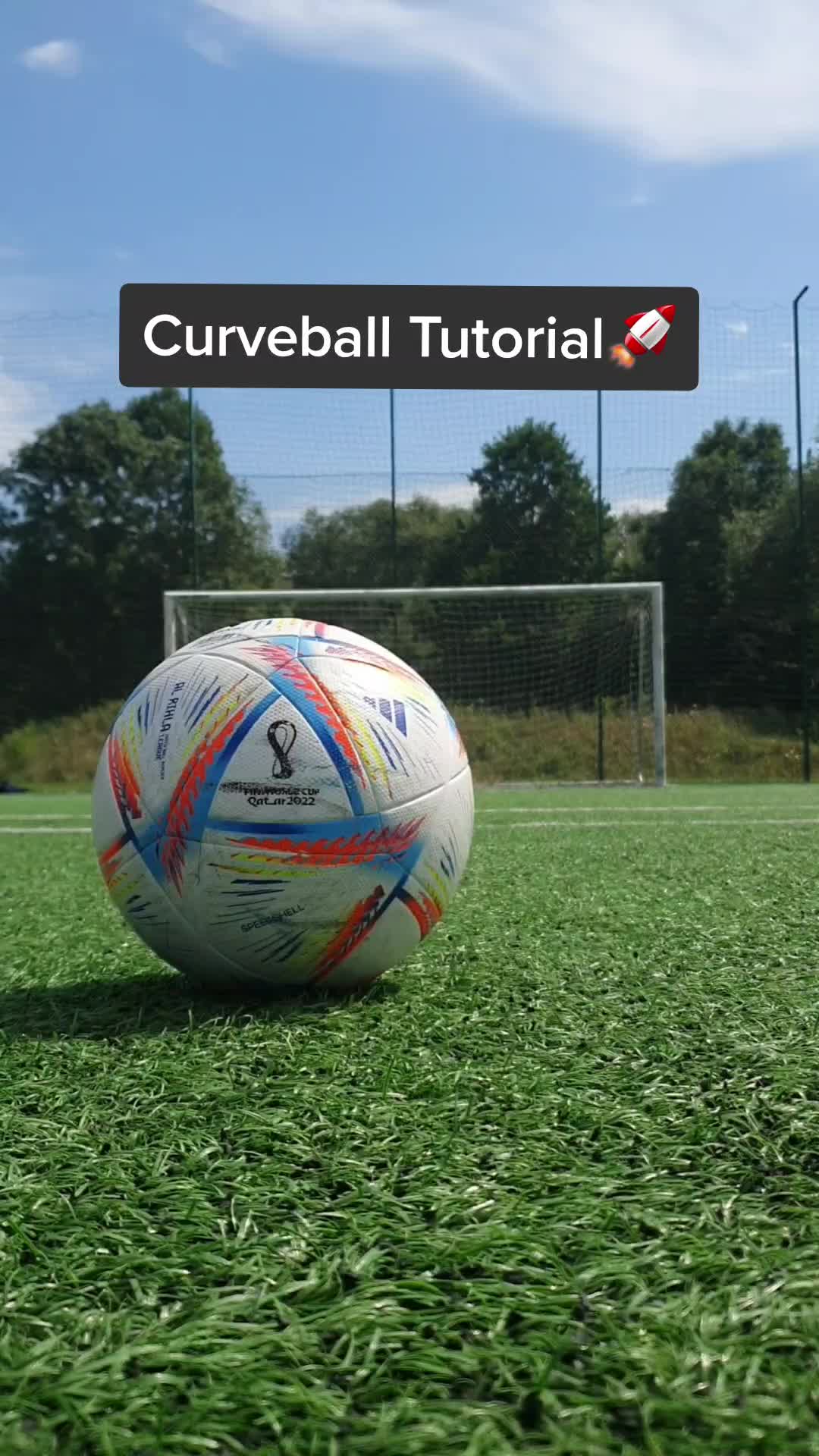
How To Curve a Soccer Ball Every Time ⚽🔥 #TheShotKing #SoccerSkills #FootballTraining #FreeKick #LearnFootball
en-US5 credits1 min 7s
Turn supported public TikTok videos into useful, reviewable content with TubeTutor. Paste a direct video link to create an evidence-based Summary, generate readable subtitles when usable speech is available, or capture timestamped Notes. Guests can preview one video in total, up to 5 minutes, in one output language. Results remain temporary; Visual Analysis, Mindmap, AI questions, full exports, and saving require sign-in.
For reliable processing, use a full public TikTok video URL. Private, deleted, restricted, photo, carousel, LIVE, music-only, or provider-unavailable posts may return partial results or no result.
Open a read-only result from a real TikTok video to see how TubeTutor turns it into reviewable learning material.

Generate a concise, evidence-based summary from available TikTok metadata and usable speech. When no reliable transcript exists, TubeTutor clearly labels a supported metadata-only result instead of presenting it as spoken content.
Summarize a TikTok VideoTurn usable spoken content into readable, timestamped subtitles. Review important moments and export available subtitles as SRT, TXT, or Markdown without claiming a transcript when the audio cannot be processed reliably.
Generate a TikTok TranscriptCapture notes at the current playback time and return to those moments later. Saved projects can also become structured study materials for eligible PDF, Markdown, or Notion export workflows.
Take Notes on a TikTok VideoCopy the complete URL for an individual public TikTok video. TubeTutor validates the platform, video post type, canonical identity, duration, and availability before it offers an analysis.
The pre-analysis check shows whether native subtitles are available or AI transcription may be needed. Signed-in users also see the current credit estimate before any metered task begins.
Review available subtitles, chapters, Summary, Visual Analysis, Mindmap, notes, and AI questions in one workspace. Some modules may remain unavailable when the source lacks reliable speech or visual evidence.
Summary distinguishes transcript-plus-metadata results from metadata-only results, so a caption or source detail is never silently presented as speech from the video.
Choose English, Simplified Chinese, Traditional Chinese, Spanish, French, German, Portuguese, Japanese, or Korean for available translated and generated content.
When a reliable timeline exists, subtitles, chapters, and notes stay connected to playback so you can return to the relevant moment.
Visual Analysis can identify relevant on-screen steps, text, tools, objects, and demonstrations that speech alone may not explain.
Educators and subject experts often publish short explanations, formulas, study tips, and tutorial fragments on TikTok. Instead of repeatedly replaying every useful clip, students can turn a supported video into an evidence-based summary, readable subtitles, timestamped chapters, and organized notes. The connected workspace makes it easier to review the main concept, return to a specific explanation, and compare several sources. Important facts should still be checked against the original video, especially when audio is unclear or a result is metadata only.
Creators can use TubeTutor to examine public examples without depending on memory after a long research session. Available subtitles help them review spoken hooks and calls to action, while Visual Analysis can surface relevant on-screen steps, layouts, tools, or demonstrations. Notes make it possible to record why an example matters at the current playback time. Because TikTok sources vary widely, creators should treat partial or uncertain transcript segments cautiously and return to the source before reusing exact wording, statistics, or claims.
A short public TikTok may contain a useful workflow, product observation, marketing idea, or industry explanation. TubeTutor can turn supported evidence into readable text and structured notes that are easier to review than an item buried in watch history. Signed-in users can save the project for later and eligible subscribers can export study materials to PDF or Markdown or connect a Notion workspace. The original video remains the source of truth, and availability still depends on the post remaining public and processable.
A useful toolkit should match the job: use the TikTok Video Summarizer for key ideas, TikTok Video to Text for usable spoken content, and the TikTok Video Note Taker for timestamped observations. Without signing in, TubeTutor offers one cumulative preview for a video up to 5 minutes. Guest results are temporary, and a public link does not guarantee every available preview module can produce a result.
Paste a full public video link into the TikTok summarizer. TubeTutor first validates the post and checks the available evidence. When usable speech exists, the Summary can combine transcript details with saved metadata. When it does not, TubeTutor may create a clearly labeled metadata-only Summary if the caption, author, tags, statistics, publish time, or sound fields provide enough support. Always check the displayed source basis before relying on exact details.
You can try TikTok Video to Text as a guest for one video in total, up to 5 minutes, in one selected output language without account credits. The result stays only on the current page. Full export and saving require sign-in. Conversion still requires native captions or usable speech.
Open the TikTok Video Note Taker, paste a supported public link, and enter the TubeTutor workspace. Play or review the video, then create a note at the current playback time. Clicking a saved note timestamp returns to that moment when the player supports seeking. Guest notes are temporary; signing in saves notes with a private project so you can reopen and continue the research later.
Sometimes. If native captions are missing, TubeTutor can attempt AI transcription when the video contains usable speech. Music, singing, overlapping voices, noise, or no speech can still leave Subtitles and transcript-based Chapters unavailable. A Summary may instead use sufficient saved metadata and will be labeled “Metadata only.” Visual Analysis is a separate process and may help with visible steps or objects, but it also depends on accessible, recognizable frames and cannot guarantee a result.
Signed-in users with eligible access can export available subtitles as SRT, TXT, or Markdown, export saved study materials as PDF or Markdown, and send account-connected projects to a selected Notion page. These exports may require an active Basic or Advanced subscription and the current export credit. Full export is not included in the guest preview.
Paste a supported public link, review the pre-analysis evidence, and turn the results into a summary, readable subtitles, or timestamped notes.
Try TikTok Tools