Transcript-only
Understands the explanation
“The presenter explains how to export the project.”
- Useful for the topic and main idea
- May omit silent interface actions
- Relies mainly on captions or generated speech text
TubeTutor analyzes narration and visible details to extract tools, code, interface text, and tutorial steps, with approximate timestamps and evidence when available.
Visual steps
See the action that a transcript can miss
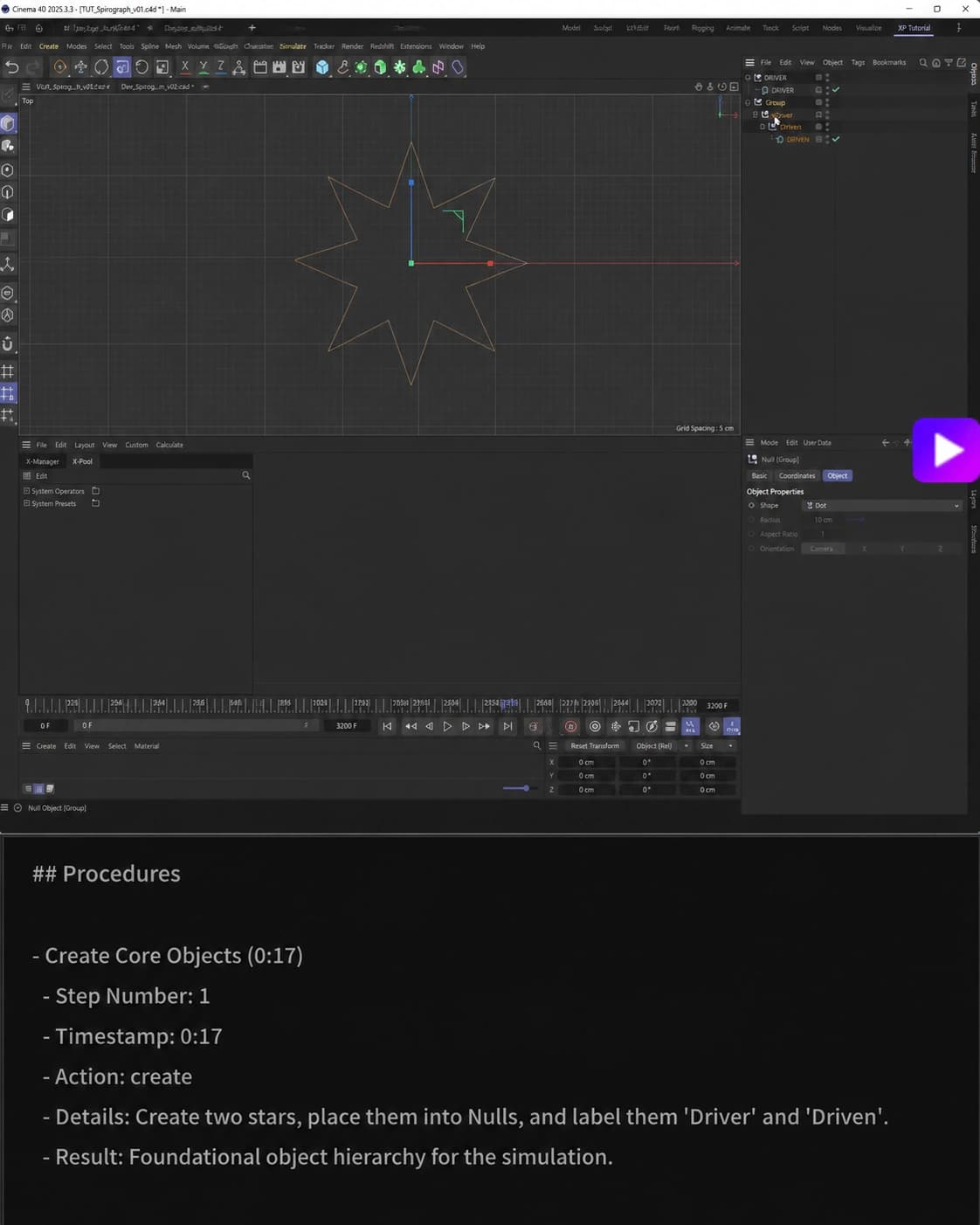
How it works
Screen observation: 0:17
Create Core Objects (0:17)
Start with Visual Steps, then move through the connected summary, transcript, mind map, and notes.
Software tutorial · real analysis result
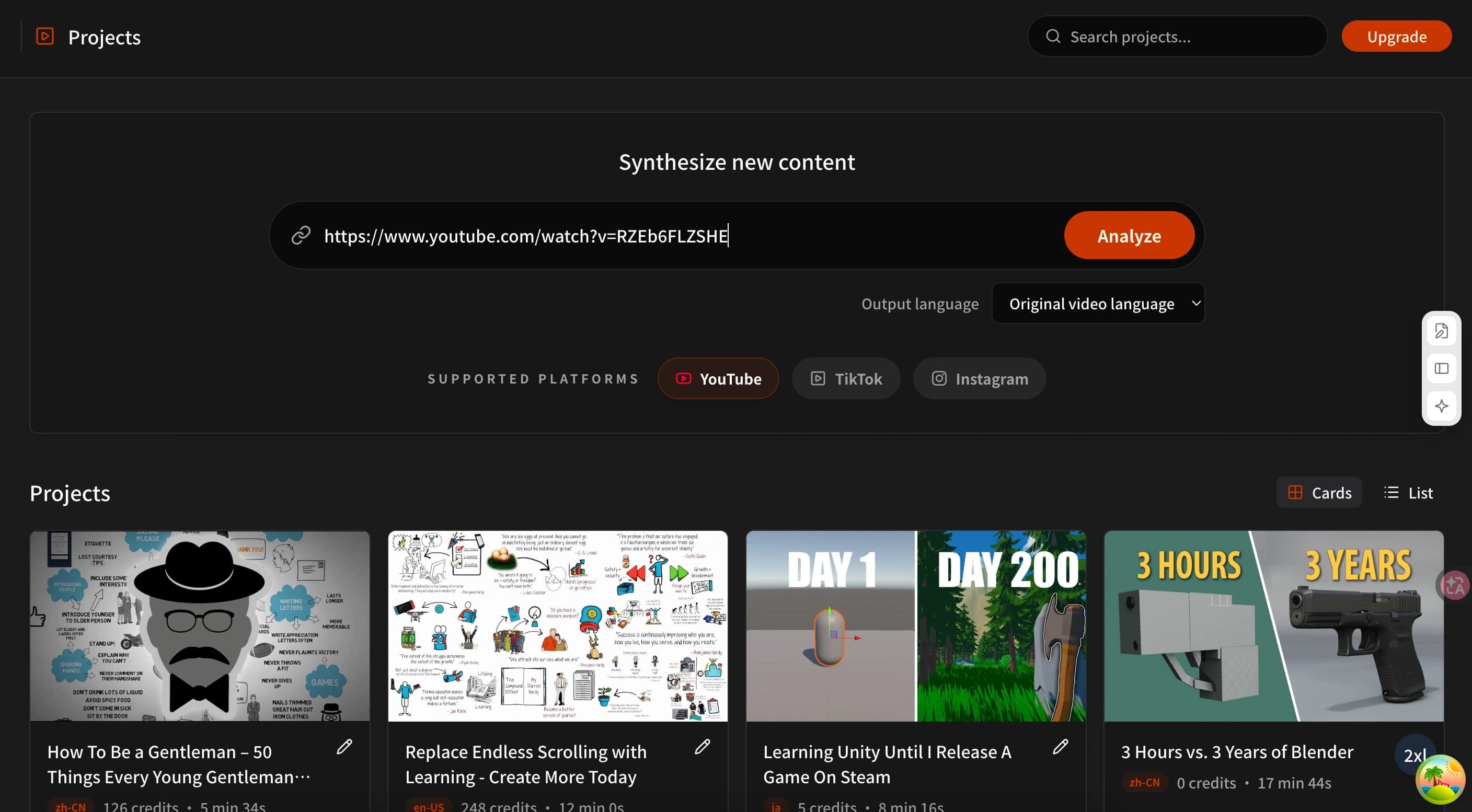
Paste a supported video URL into TubeTutor, choose the output language if needed, and start the analysis to create a project.
Open the read-only analysis resultTranscript summaries explain the narration. Visual Analysis adds structured details that appear in the interface, code, slides, or demonstrated action.
Transcript-only
“The presenter explains how to export the project.”
TubeTutor Visual Analysis
“Just two steps: 1. Paste the video URL. 2. Click Visual analysis.”
This comparison uses a real TubeTutor analysis result from the tutorial shown. Results vary by video, so verify important details against the source.
Add a supported video URL, confirm the detected source, and choose the output language in the existing preflight.
TubeTutor prepares the transcript and can run Visual Analysis to identify useful on-screen details, procedures, tools, and text.
Move between visual findings, the summary, synchronized transcript, notes, and mind map without losing the source context.
The strongest use cases are tutorials where an omitted click, command, setting, or visual change can break the entire workflow.
Capture visible menus, controls, settings, and workflow changes alongside the presenter’s explanation.
Keep terminal actions, code changes, errors, and implementation steps connected to the surrounding lesson.
Organize visible tools, prompt structure, configurations, and multi-step automation processes.
Follow visual editing decisions, layer changes, interface controls, and the steps behind the final result.
Visual Analysis is the starting point for a connected review flow, not another disconnected feature card.
Identify useful objects, interface text, tools, and actions.
Turn important observations into an ordered tutorial flow.
Record approximate timestamps and evidence when the source provides them.
Review results through summaries, transcripts, notes, and mind maps.
Open a read-only workspace to review how summaries, Visual Analysis, notes, and mind maps stay connected to one source video.
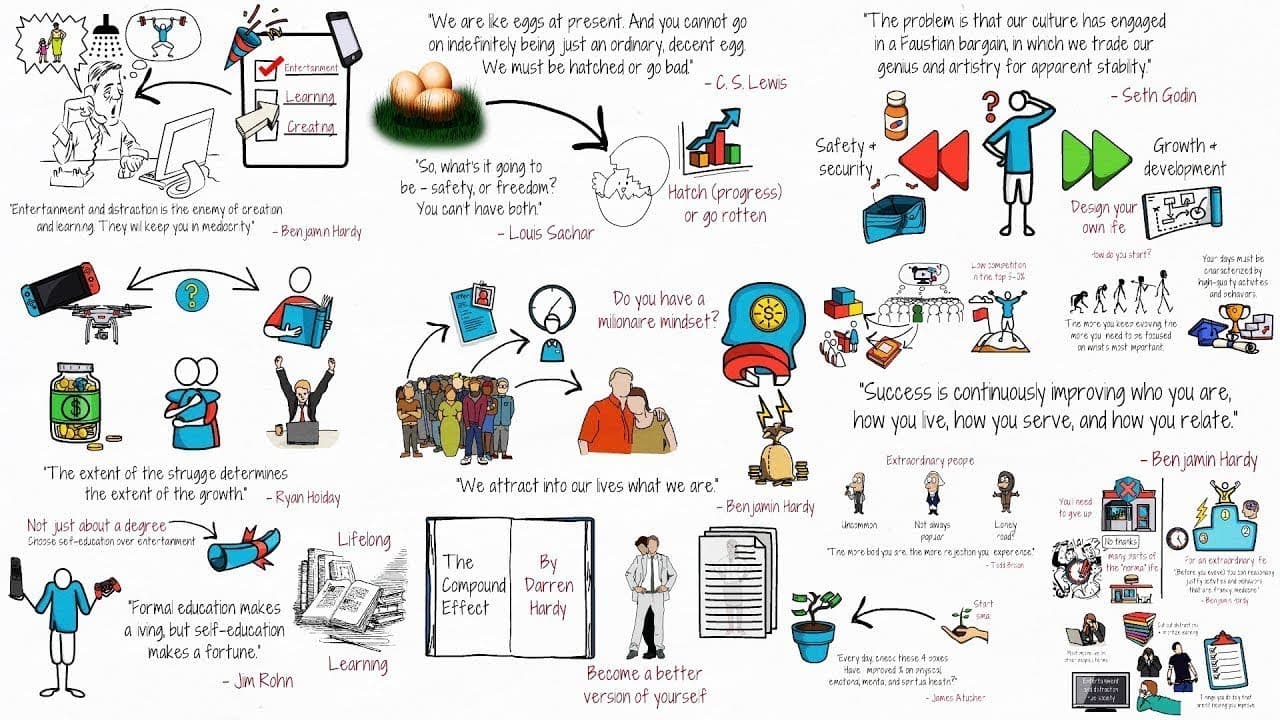 Visual notes
Replace Endless Scrolling with Learning - Create More Today
View analysis result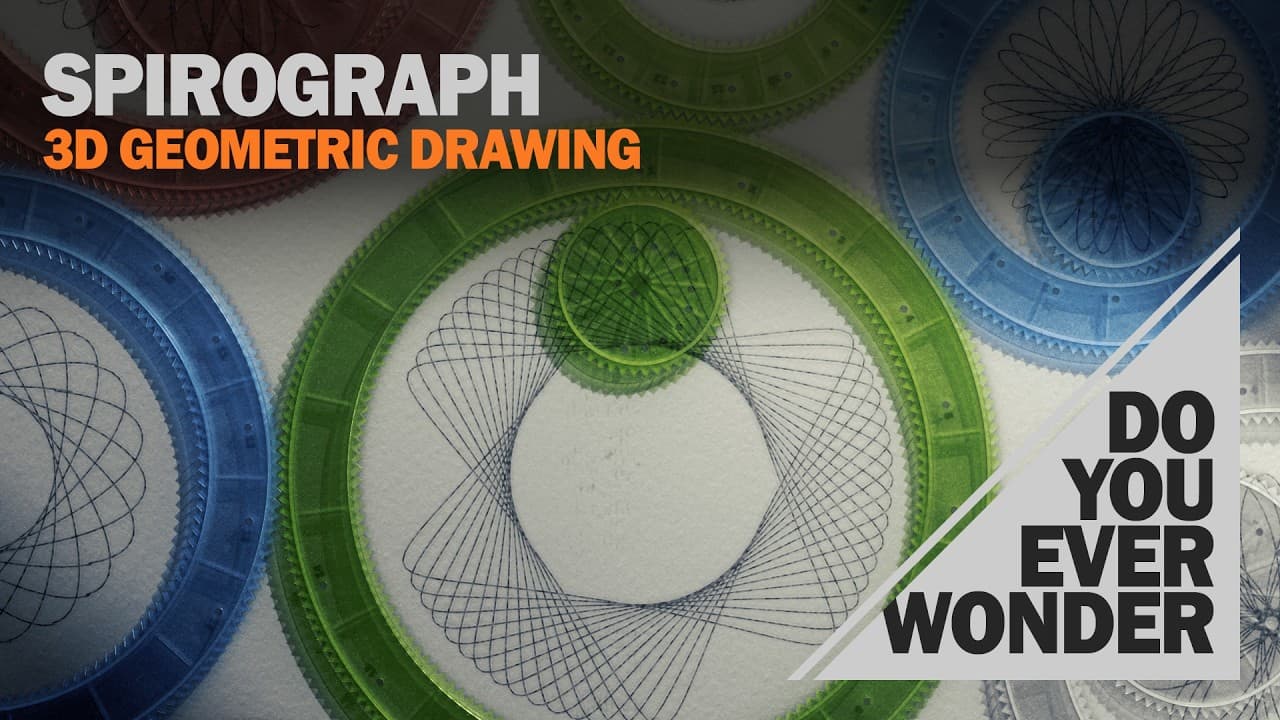 Mind map
Create Spirograph in Cinema 4D
View analysis result Notes
Notes23 Ways to Use ChatGPT So Well it Feels Like Cheating
View analysis result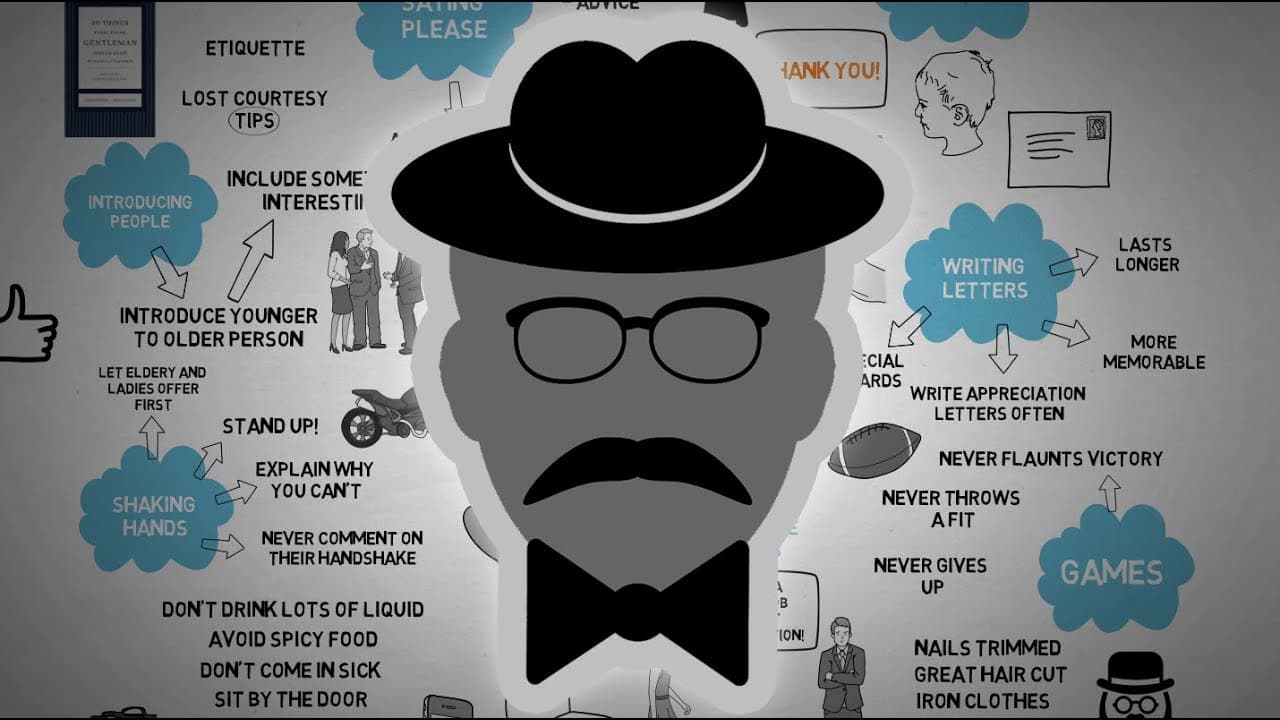 Summary
How To Be a Gentleman – 50 Things Every Young Gentleman Should Know – Book Review
View analysis resultTubeTutor’s structured Visual Analysis can include timestamps and evidence descriptions for important findings. The source video remains the final reference.
Visual results vary with video quality, layout, captions, and source availability. Timestamps may be approximate, and important technical or safety details should always be checked in the original video.
See when a structured visual finding appears when the provider returns usable timing.
Review whether a finding came from visible text, an object, an interface, a demonstrated action, or surrounding context.
Use the synchronized video context to verify important details before acting on the result.
FAQ
Paste a tutorial and turn spoken explanations plus on-screen details into a connected learning workspace.
Guest preview supports one video up to 5 minutes. Visual Analysis, Mindmap, AI questions, full exports, and saving require sign-in.