How to Analyze Instagram Reels with AI: A Practical Guide
Learn how to analyze public Instagram Reels with AI, review summaries, transcripts, visual insights, and mind maps, and troubleshoot common limitations.
Instagram Reels can compress a tutorial, product demonstration, interview, or creative idea into less than a minute. That makes them easy to watch and hard to study. Important steps may appear only on screen, spoken details can pass quickly, and the caption may add context that is never mentioned in the audio.
An AI Instagram Reel analyzer helps separate those information layers. Instead of treating the post as one undifferentiated clip, it can organize the evidence into a Summary, subtitles, Chapters, Visual Analysis, a Mindmap, and notes. The useful question is not simply whether AI can "understand" a Reel. It is which evidence was available and what conclusions that evidence can support.
This guide explains how to analyze supported public Instagram Reels with TubeTutor, where the workflow is most useful, and how to handle common problems without turning missing information into confident-sounding guesses.
What can an Instagram Reel analyzer do?
TubeTutor divides Reel analysis into several modules:
- Summary: Organizes the main supported ideas and displays whether the result used transcript evidence or verified metadata only.
- Subtitles: Shows usable spoken content as readable, timestamped segments when native captions or a reliable AI transcript are available.
- Chapters: Groups supported content into a short timeline for faster review.
- Visual Analysis: Examines recognizable frames for on-screen text, objects, tools, interfaces, actions, and demonstrated steps.
- Mindmap: Connects available topics and chapters so relationships are easier to scan.
- Notes and AI questions: Help signed-in users preserve observations or ask follow-up questions about the available project evidence.
Not every Reel produces every module. A music-only edit may have useful visual evidence but no reliable spoken transcript. A commentary Reel may have clear speech but limited visual information. A post with inaccessible media may provide metadata and nothing more.
The result should reflect those differences rather than filling every tab with invented content.
How to analyze an Instagram Reel with TubeTutor
Step 1: choose a supported public Reel
TubeTutor currently accepts direct public Reel URLs in this format:
https://www.instagram.com/reel/SHORTCODE/
The Reel must be publicly accessible without a private-account approval flow. Instagram posts, photo carousels, Stories, Lives, profile pages, deleted Reels, and content blocked by login or regional restrictions are not supported by this workflow.
If you want to see the output before analyzing your own link, open the Instagram AI tools page. Four real, read-only analysis projects are available to signed-out visitors. They show metadata-supported Summaries, Visual Analysis, Chapters, subtitles when available, and Mindmaps. The saved results can be explored but not edited.
Step 2: paste the full Reel link
Open the Instagram Reel Summarizer, paste the complete URL, and choose the output language.
Avoid copying only a profile URL or a shortened fragment. A complete direct link gives TubeTutor the Reel shortcode it needs to verify that the provider returned the same source you requested.
Step 3: review the pre-check
Before metered processing begins, TubeTutor checks the source type, availability, duration, public metadata, and possible subtitle path. Signed-in users can review the current credit estimate before confirming analysis.
This pre-check is important because Instagram Reels do not all expose the same evidence. TubeTutor prefers native captions when they are available. If native captions are missing and the audio contains usable speech, AI transcription may be requested. If no reliable transcript can be obtained, sufficient verified metadata may still support a limited Summary.
Step 4: read the Summary basis first
Start with the source-basis label rather than the prose:
- Transcript plus metadata means usable spoken text and verified post information supported the Summary.
- Metadata only means the result is limited to information such as the caption, creator, tags, publication details, and engagement fields that were actually available.
A metadata-only Summary is not a hidden transcript. It cannot recover speech, intent, lyrics, or actions that were never captured as evidence.
Step 5: compare audio and visual evidence
Open Subtitles and Chapters to review available spoken content. Then open Visual Analysis when the Reel depends on a screen recording, gesture, product, recipe step, animation, or before-and-after demonstration.
This comparison prevents a common mistake: assuming the transcript contains everything important. A creator may say "choose this option" while the option name appears only in the interface. Conversely, a visual sequence may look clear but still require the spoken warning that explains when not to use it.
Step 6: organize and verify
Use the Mindmap to scan relationships among the available topics, or add your own notes in a saved project. Return to the original Instagram Reel before reusing an exact name, number, quotation, instruction, or performance claim.
Instagram's public embed does not provide TubeTutor with a dependable seek API. Transcript and chapter timestamps are therefore honest reference markers; they do not pretend to control the official player. Open the source Reel when you need to verify an exact moment.
Practical use cases
Learn from short tutorials
Software tips, design workflows, recipes, fitness demonstrations, and study explainers often move too quickly for comfortable note-taking. Chapters provide a quick outline, subtitles preserve usable speech, and Visual Analysis can capture visible steps that narration leaves implicit.
The best workflow is to use the generated result as a study index, then confirm critical steps against the original Reel before following them.
Research creative formats
Creators and marketers can review authorized public examples with a consistent framework:
- What is the opening hook?
- What claim or promise is supported by the post?
- Which information is spoken, written on screen, or shown visually?
- How does the edit move from problem to demonstration to call to action?
- Which idea is worth testing in an original format?
This is more reliable than comparing clips from memory. It is not permission to copy another creator's footage, script, design, or brand assets.
Preserve professional insights
Industry practitioners often share compact workflows, tool settings, product observations, and conference takeaways in Reels. A saved project turns a fleeting post into a source-linked record that can be searched and reviewed later.
Record the original URL and clearly separate the creator's claims from your own interpretation. If the information affects a purchase, client deliverable, health decision, or technical configuration, verify it with an authoritative source as well.
Work across languages
TubeTutor supports nine project output languages for available generated content: English, Simplified Chinese, Traditional Chinese, Spanish, French, German, Portuguese, Japanese, and Korean.
Translation can make the structure easier to review, but it does not remove source uncertainty. Names, product terms, slang, and mixed-language speech can still be misrecognized. Keep the original Reel available when exact wording matters.
Build accessible working notes
Readable text can help when fast speech, accents, or listening conditions make a Reel difficult to follow. Subtitles can become a starting point for personal notes, while Chapters and a Mindmap make the material easier to revisit.
Generated subtitles should not be published as an official transcript without review, especially when the audio contains music, overlapping speakers, or specialist terminology.
Common problems and what to do
| Problem | Why it happens | What to do |
|---|---|---|
| The link is rejected | The URL points to a post, carousel, Story, profile, private Reel, deleted item, or restricted content instead of a direct public Reel. | Open the Reel in Instagram, copy its complete /reel/SHORTCODE/ URL, and confirm it works in a signed-out browser. |
| No subtitles are available | The Reel has no native captions, the audio is music-only, speech is unclear, or the media provider cannot retrieve usable audio. | Review metadata and Visual Analysis if available. Do not treat the caption or a metadata-only Summary as spoken text. |
| The Summary says “Metadata only” | No reliable transcript was available, but verified caption and post fields contained enough context for a limited result. | Use it to understand post context, then watch the Reel for speech and actions that metadata cannot reveal. |
| Visual Analysis is partial or unavailable | Frames may be inaccessible, too repetitive, too blurry, or insufficient for a reliable visual result. | Review the original Reel and record missing observations manually. A transcript cannot replace unavailable visual evidence. |
| A timestamp does not seek the video | The official Instagram embed does not expose a reliable public seek control. | Treat the timestamp as a reference and open the source Reel to locate the moment manually. |
| Names or technical terms look wrong | Music, accents, fast speech, overlapping voices, or specialist vocabulary can reduce transcription accuracy. | Compare the wording with the original audio, caption, and authoritative references before quoting it. |
| Some analysis tabs are empty | Modules depend on different evidence. A Reel can support metadata or visuals without supporting a transcript or Mindmap. | Use the available modules and do not infer that an empty tab means the system silently analyzed the missing evidence. |
| The original Reel later disappears | Creators can delete content, change privacy, or restrict availability after analysis. | Preserve your source link and notes, but respect the current access state and the creator's rights. |
Instagram Reel analysis FAQ
Can AI summarize an Instagram Reel?
Yes, when a supported public Reel provides enough evidence. TubeTutor can use usable transcript text with verified metadata. If a reliable transcript is unavailable, sufficient post metadata may support a clearly labeled metadata-only Summary. Some Reels may return only partial modules or no useful result.
Can I analyze a private Instagram Reel?
No. TubeTutor does not log in to a private account or bypass Instagram access controls. The source must be a directly accessible public Reel.
Can TubeTutor turn a Reel into text?
For supported public Reels, the Instagram Reel to Text tool prefers native captions and can request AI transcription when accessible audio contains usable speech. Accuracy depends on the source, so review important wording before using it.
Can it analyze a Reel without subtitles?
Sometimes. Verified metadata may support a limited contextual Summary, and Visual Analysis may separately inspect recognizable frames. Neither result should be presented as a transcript of speech that was never captured.
Is Instagram Reel analysis free?
Signed-out visitors can use one cumulative preview for one supported Reel up to 5 minutes and one output language without using account credits. It includes Subtitles, Chapters, the first automatic Summary, and temporary Notes; it does not reset daily. Visual Analysis, Mindmap, AI questions, full exports, and saving require sign-in. You can also open the four real, read-only analysis projects on the Instagram tools page without starting an analysis.
Is it safe to reuse generated content?
Treat the output as working notes, not automatic permission or verified fact. Check important details against the Reel, follow the creator's usage terms, and obtain permission before reusing protected footage, audio, scripts, or designs.
Turn a fast Reel into reviewable knowledge
The most useful Instagram Reel analysis is transparent about what it knows. Read the evidence label, separate speech from metadata, use Visual Analysis for what appears on screen, and keep the original post available for verification.
That approach gives you something more valuable than a fluent paragraph: a structured record whose strengths and limits are visible.
Author

Categories
More Posts

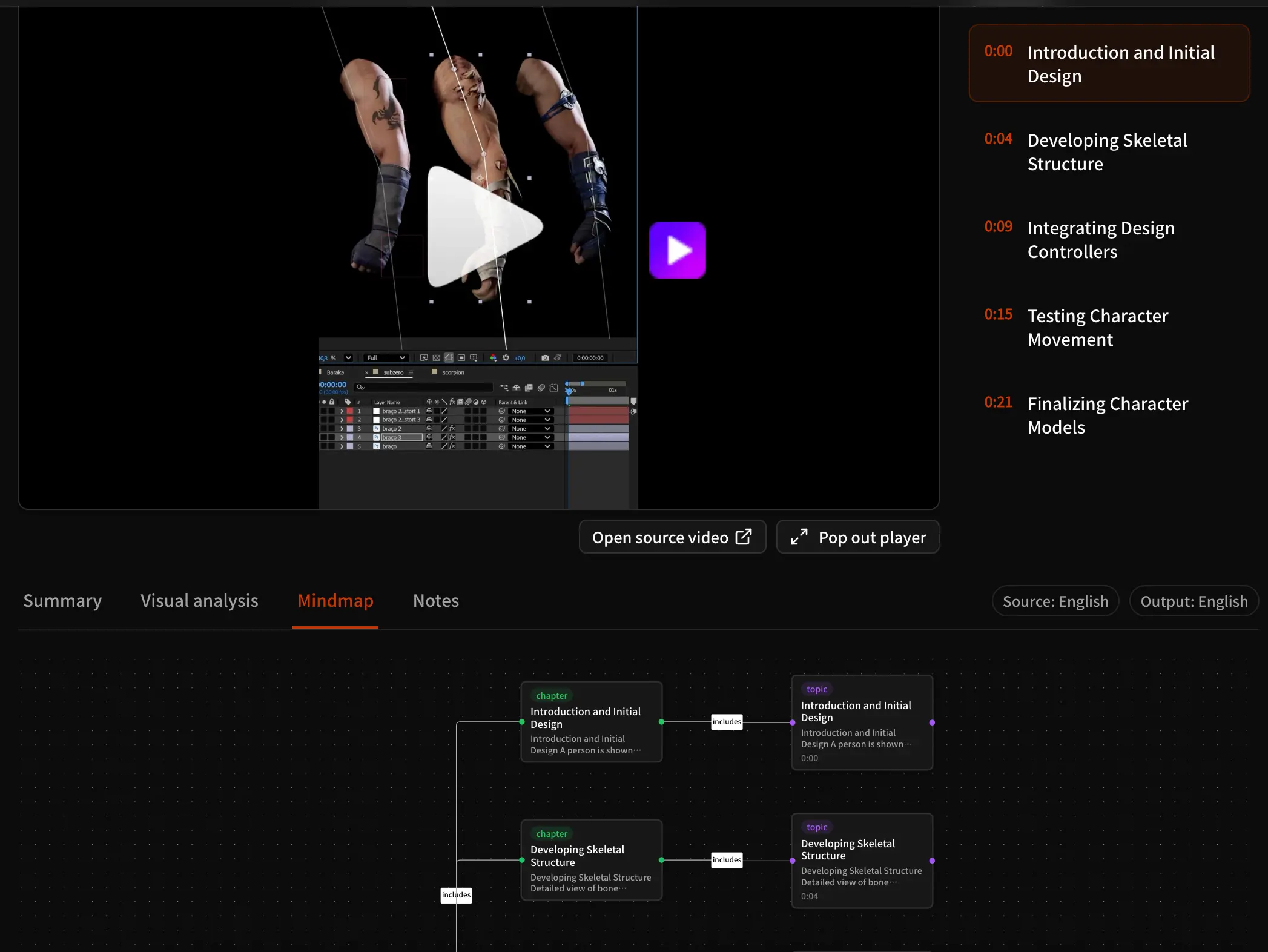
What Is Video Visual Analysis? How AI Reads Beyond Transcripts
Learn how AI video visual analysis finds on-screen actions, interface text, tools, objects, charts, and timestamps, plus how to review its evidence, limits, and uses.
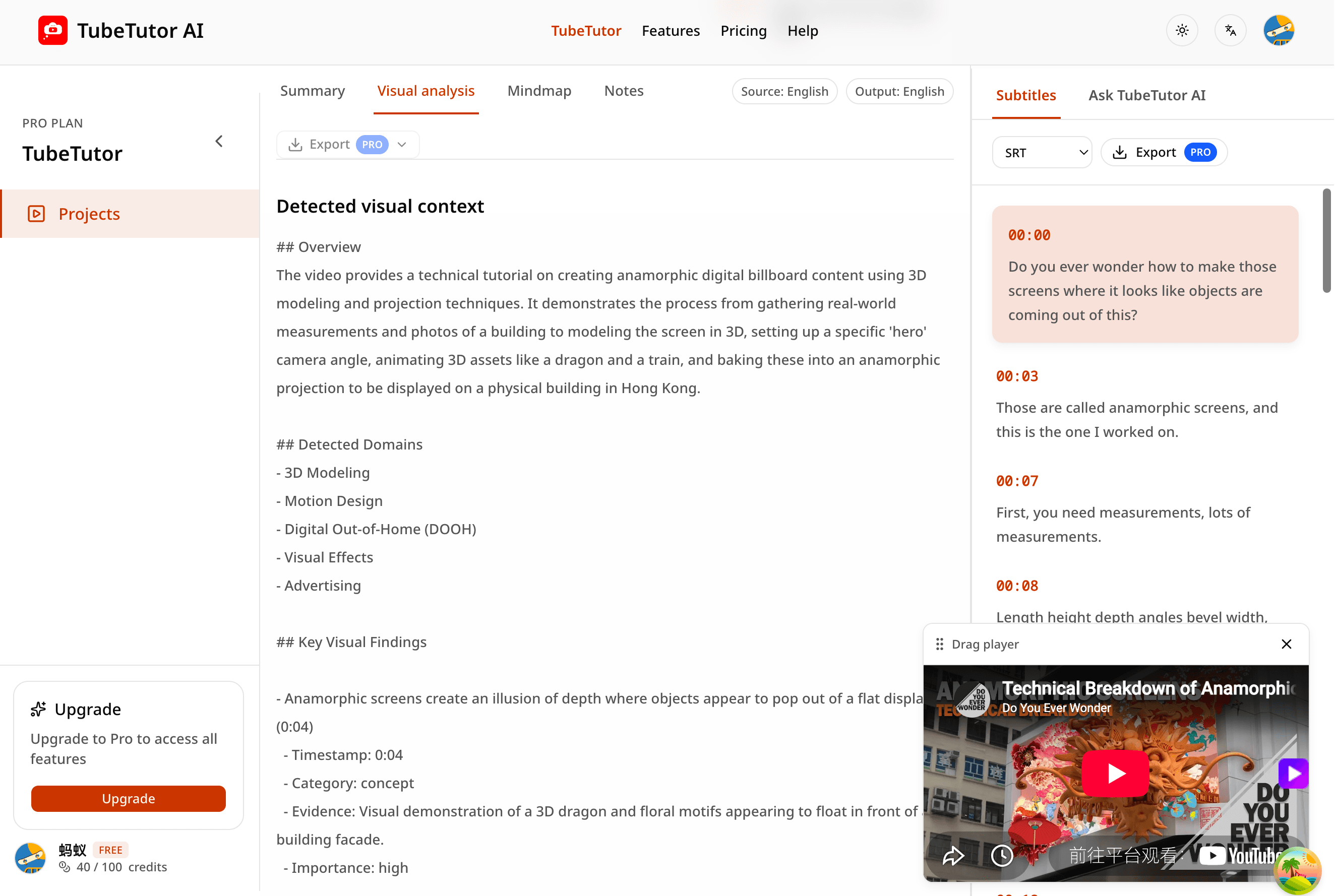
YouTube Transcript to AI Summary: Step-by-Step Guide
Turn a timestamped YouTube transcript into a useful AI summary while preserving source context, checking accuracy, and building better study notes.
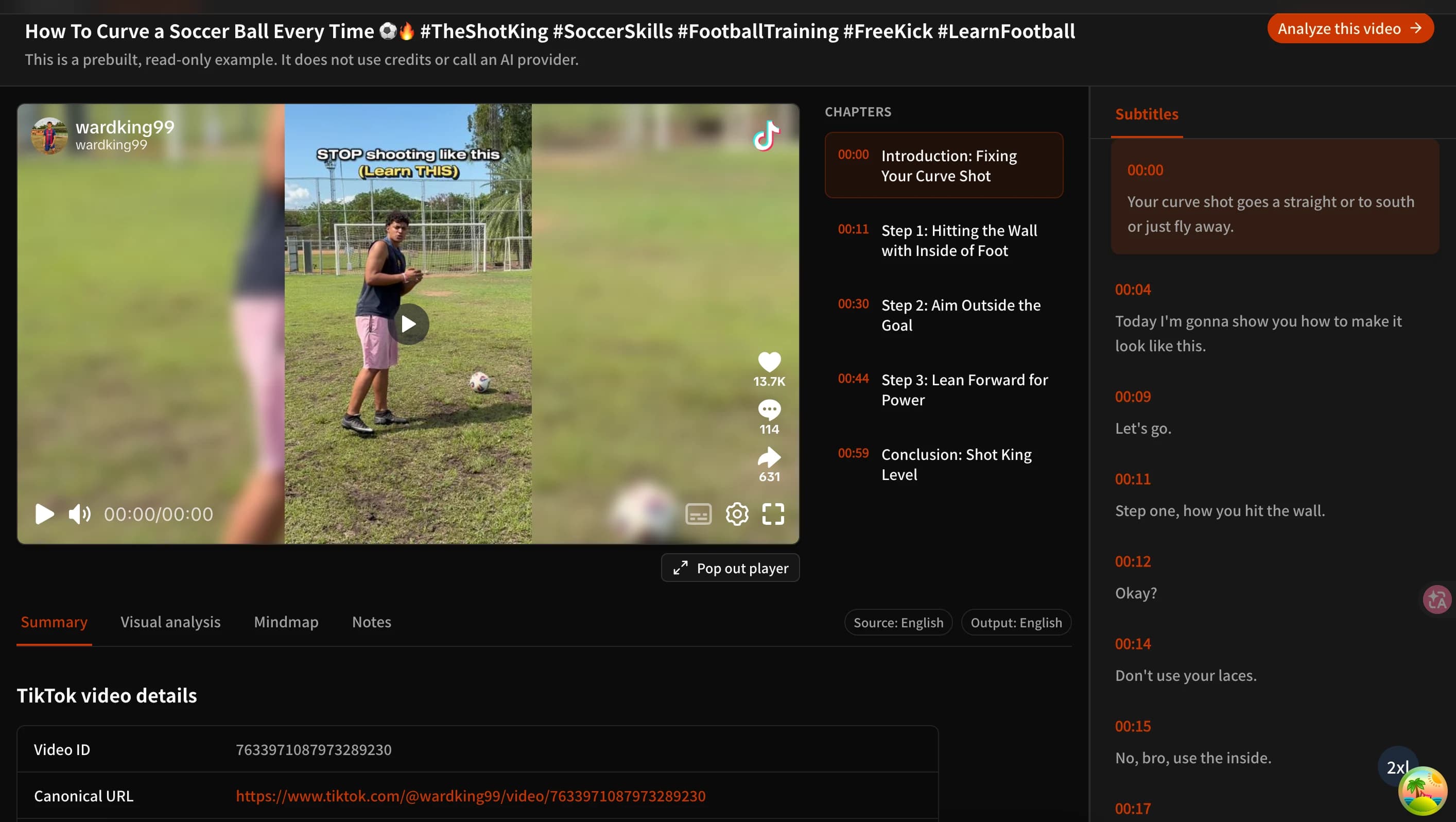
How to Summarize TikTok Videos with AI (Free TikTok Video to Text Summarizer)
Learn three practical ways to summarize TikTok videos with AI, turn usable speech into text, review visual details, and try TubeTutor free without signing up.
TubeTutor Updates
Learn faster from video
Get product updates, AI video learning workflows, and tips for turning tutorials into summaries, mindmaps, and notes.