LogoTubeTutor AI
  • TubeTutor
  • Pricing
  • Help
  • Blog
LogoTubeTutor AI

Turn video tutorials into AI summaries, translated transcripts, mindmaps, notes, and Notion-ready knowledge.

Contact: support@tubetutor.topLearn faster withLogoTubeTutor
Product
  • Features
  • Pricing
  • FAQ
TikTok Tools
  • All TikTok Tools
  • TikTok Video to Text
  • TikTok Video Note Taker
  • TikTok Video Summarizer
Instagram Tools
  • All Instagram Tools
  • Instagram Reel Summarizer
  • Instagram Reel to Text
Resources
  • Blog
  • Changelog
Company
  • About
  • Contact
  • Waitlist
Legal
  • Cookie Policy
  • Privacy Policy
  • Terms of Service
© 2026 TubeTutor AI. All Rights Reserved.
  • English
  • 中文
  • 日本語
  • 한국어
  1. Home
  2. Features
  3. YouTube Video Summarizer

Get AI-Powered YouTube Video Summaries Instantly

Paste a YouTube link and let AI understand the transcript, organize the main ideas and produce a structured summary you can review beside the source video.

youtube-video-summarizer

How This AI YouTube Summarizer Works

  1. 1

    Paste a YouTube URL

    Add the tutorial, lecture, interview, or course video you want to understand. TubeTutor checks the link, available captions, and source language. Guests see the temporary-preview terms; signed-in users also see the active credit estimate before confirming.

  2. 2

    AI Understands the Video

    Instead of shortening isolated sentences, AI analyzes the transcript and chapter context to identify the central argument, supporting ideas, examples, and important steps throughout the video.

  3. 3

    Review a Structured Summary

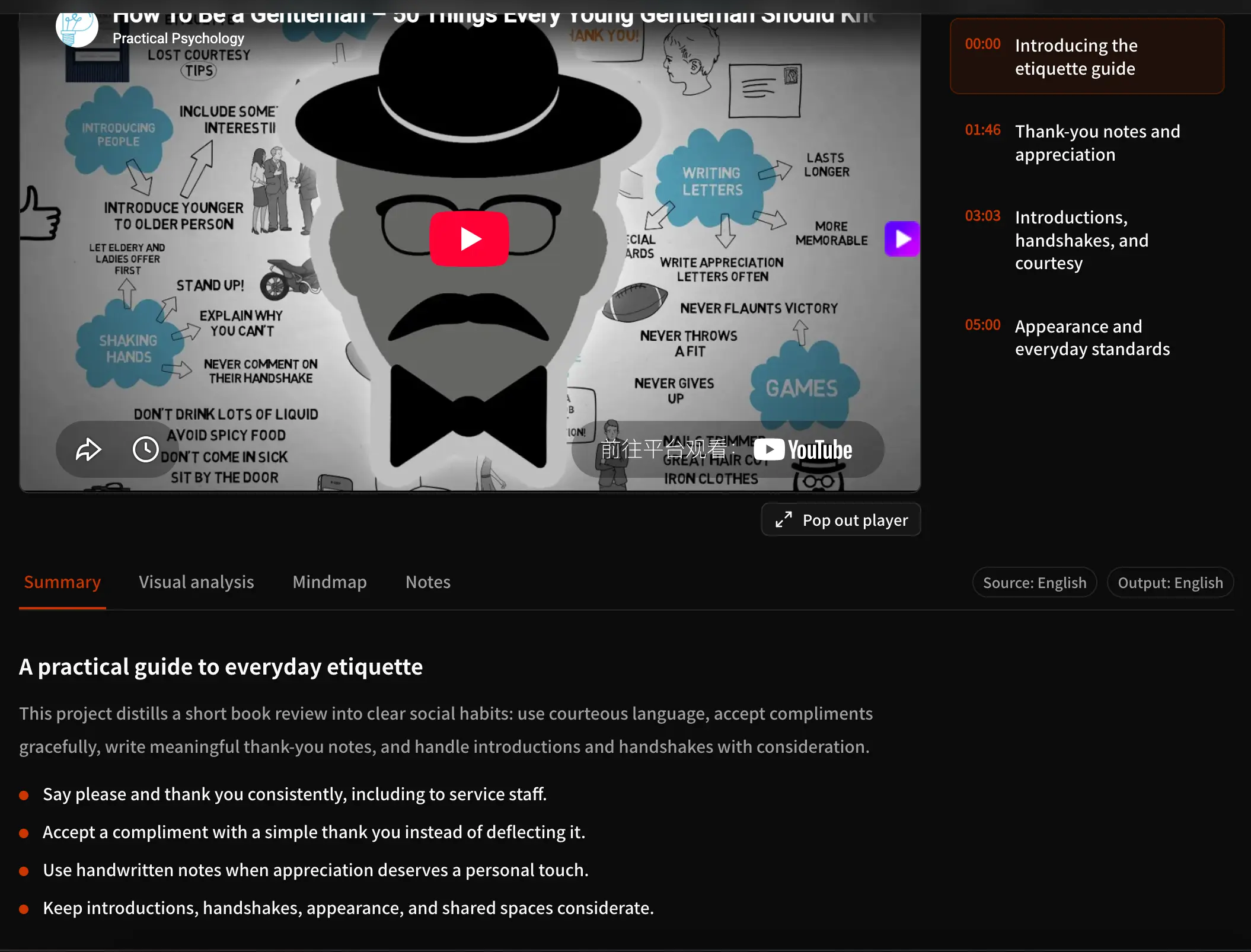
    Read the organized result in one project. When you need a different view, open the visual mind map, inspect the complete transcript, or use the subtitle translator for a supported output language.

When a Focused Video Summary Helps

Students & Learners

Start with a structured overview of a lecture before taking detailed notes. The summary surfaces the concepts, examples, and sequence of ideas that deserve closer study, while the connected video remains available for verification.

Researchers

Screen interviews, talks, and educational sources before investing in a full watch. If exact wording matters, move from the overview to the timestamped transcript and verify the passage against the video.

Content Creators

Use the core ideas and supporting points as a starting brief for repurposing your own videos. When another audience needs the material, continue with the subtitle translation workflow instead of copying text between unrelated tools.

Teams & Professionals

Turn training, product, and technical videos into a concise reference that colleagues can scan first. For workshops or visual planning, convert the same source into an editable mind map and refine the relationships together.

Free YouTube Video Summarizer FAQ

Is there a free YouTube video summarizer?

Yes. A signed-out visitor can preview one video in total, up to 5 minutes, with one output language, Subtitles, Chapters, the first Summary, and temporary Notes. Results clear after leaving or refreshing. New accounts receive 200 starter credits once, valid for 30 days. Visual Analysis, Mindmap, AI questions, full exports, and saving require sign-in.

How does AI summarize a YouTube video?

TubeTutor processes the available transcript or required AI transcription, considers the video’s chapter structure, and identifies the main topic, supporting ideas, examples, and important steps. It then organizes those elements into a readable Summary inside the same project as the source video, synchronized subtitles, chapters, notes, and other supported learning tools.

Can TubeTutor summarize long YouTube videos?

Yes. TubeTutor is designed for tutorials, lectures, interviews, and other knowledge-heavy videos, including longer sources. Processing time and credit use vary with duration and the work required to obtain a usable transcript. The preflight provides the estimate first, so you can decide whether to continue before any analysis starts.

Can I translate a YouTube video summary?

Choose a supported output language before analysis so the project’s generated content uses that language. If your main goal is to understand the spoken text in another language, use the YouTube Subtitle Translator to create synchronized translated subtitles and a localized project rather than translating an isolated summary afterward.

What is the difference between a summary and a transcript?

A summary condenses the central ideas and supporting points, while a transcript preserves the speaker’s wording in timestamped segments. Use the summary for orientation and the YouTube Transcript Generator when you need to search a phrase, review surrounding context, or verify an exact statement against the original video.

Can I turn a YouTube summary into a mind map?

Yes. Open the Mindmap tab in the same TubeTutor project to generate a connected visual structure from the video. The YouTube Mind Map Generator organizes the core topic, major branches, and supporting details as editable nodes, which is more useful when you want to explore relationships rather than read a linear overview.

Does the summary include timestamps and chapters?

The TubeTutor project keeps the Summary beside clickable chapters and synchronized subtitle timestamps. The summary itself focuses on readable ideas rather than inserting a timestamp into every sentence, but you can use Chapters and Subtitles to return to the relevant moment and check the source context whenever a point needs closer review.

What happens if a YouTube video has no subtitles?

TubeTutor checks caption availability during preflight. When usable native captions are missing, it can identify that AI transcription is required. Guests see the temporary-preview terms, while signed-in users see that work in the active credit estimate. Final quality still depends on source access, audio clarity, speaker overlap, background noise, terminology, and language.
Related TubeTutor features

YouTube Transcript Generator

Generate Transcript

YouTube Chapter Generator

Generate Video Chapters

YouTube Mind Map Generator

Create a Video Mind Map

YouTube Video Note Taker

Start Taking Video Notes

YouTube Visual Analysis

Analyze Tutorial Visuals

Export YouTube to Notion

Analyze and Export to Notion

Ready to make a long video easier to learn?

Paste a YouTube link and open a focused Summary in your TubeTutor project.